Faceted Landscapes
Slow Days
6 landscape wallpapers
In the collection
The six wallpapers
-
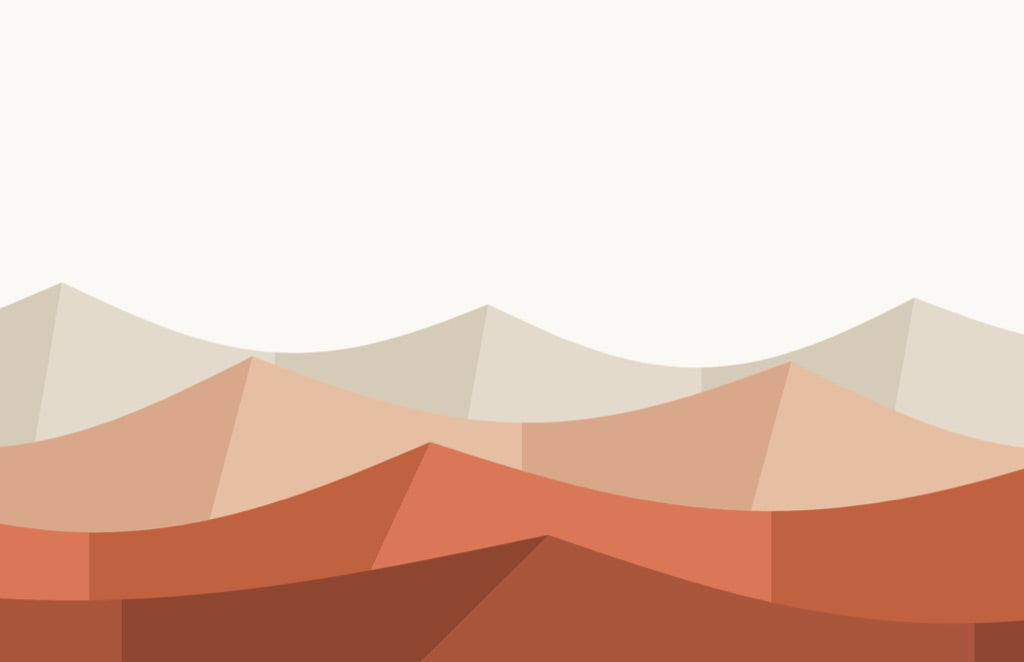
Sand Dunes Terracotta
-
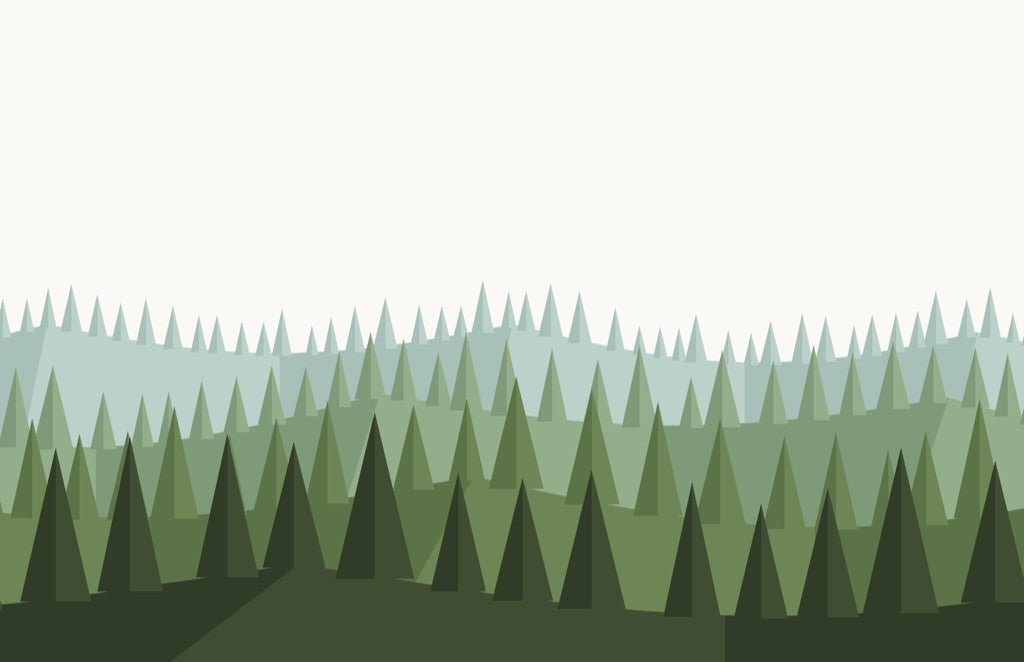
Forest Layered greens
-
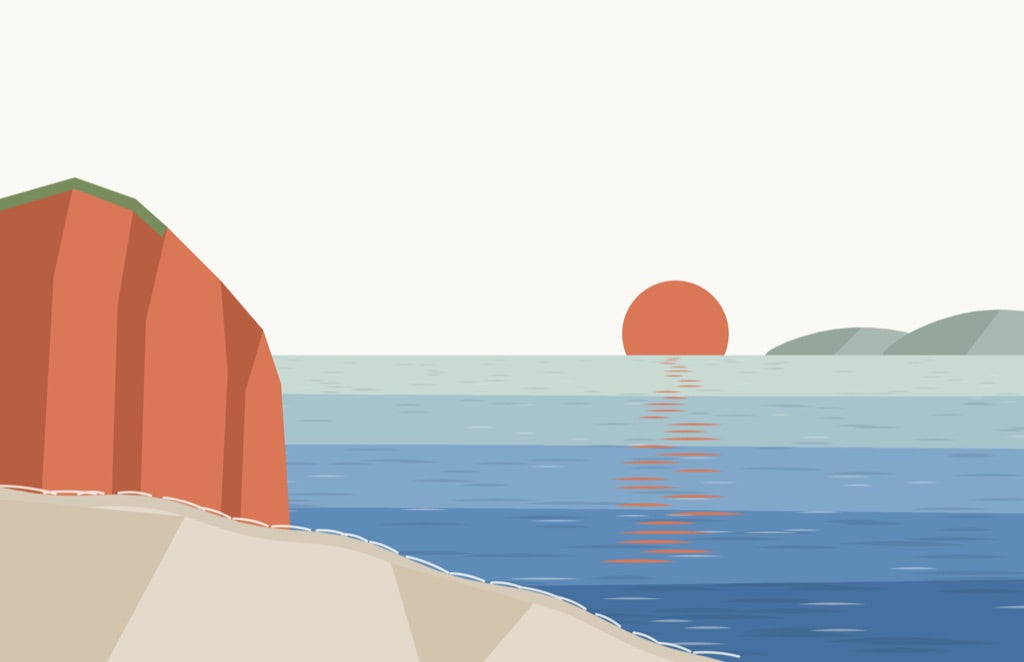
Sea Red cliff, low sun
-
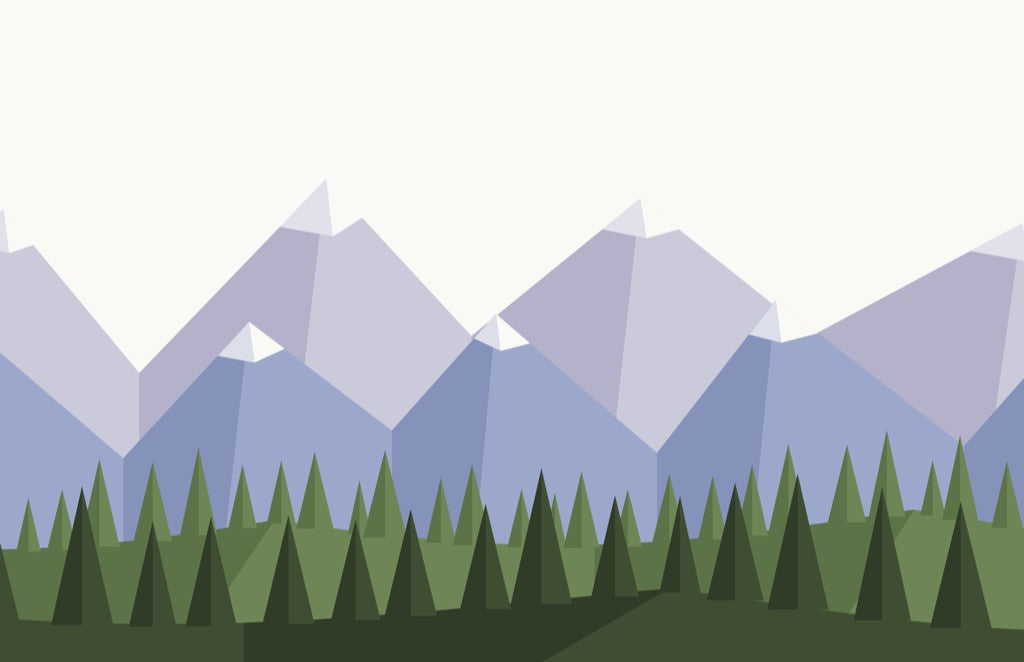
Mountains Snow over a pine valley
-
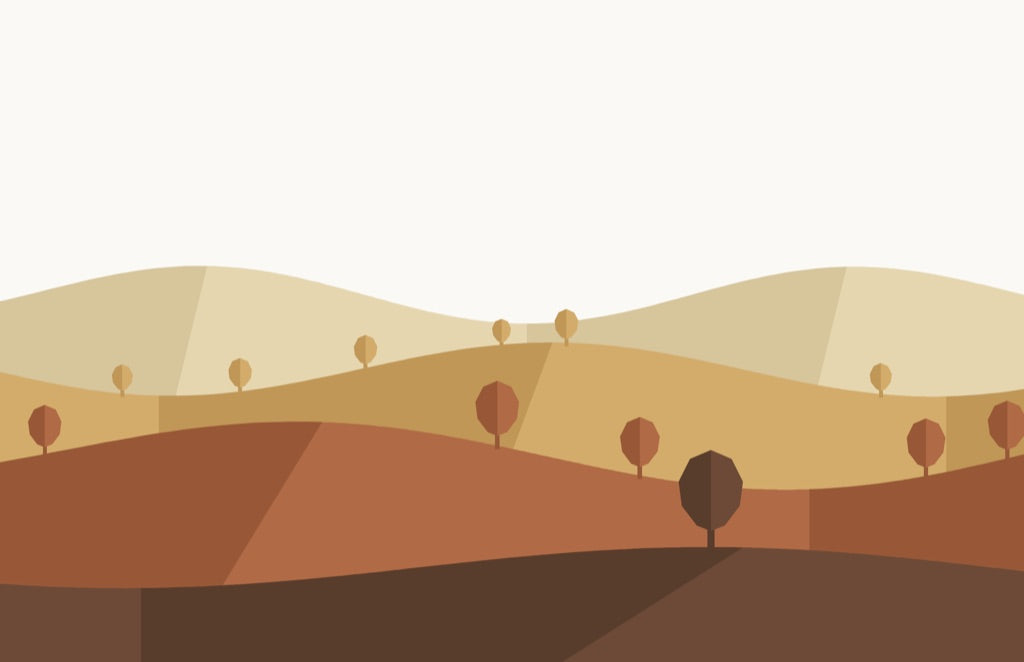
Autumn Hills Ochre and rust
-
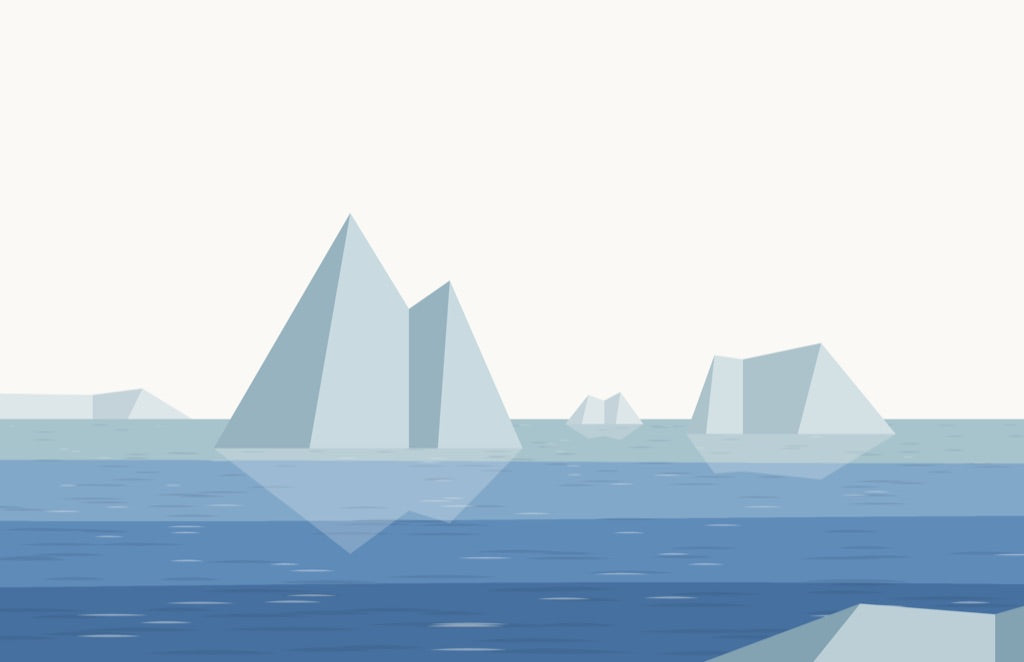
Polar Sea Icebergs on blue
Slow Days
6 landscape wallpapers
9.99 SAR
- Instant download
- 6 wallpapers
- 5 sizes
Licence: personal use only. Use these wallpapers on your own devices. Please don't resell, share or redistribute the files.
What's inside
- Sand DunesTerracotta
- ForestLayered greens
- SeaRed cliff, low sun
- MountainsSnow over a pine valley
- Autumn HillsOchre and rust
- Polar SeaIcebergs on blue
30 PNG files: every wallpaper in 5 sizes.
- MacBook2880 x 1864
- 5K monitor5120 x 2880
- 6K monitor6016 x 3384
- iPhone1290 x 2796
- iPad2732 x 2732
One zip file, with a folder for each size. Nothing is shipped.
A closer look
-

Sand dunes landscape wallpaper in terracotta, shown on a display, a laptop, a phone and a tablet. -

Pine forest landscape wallpaper in layered greens, shown on a display, a laptop, a phone and a tablet. -

Sea cliff and low sun landscape wallpaper, shown on a display, a laptop, a phone and a tablet. -

Snow-capped mountains over a pine valley, shown on a display, a laptop, a phone and a tablet. -

Autumn hills in ochre and rust, shown on a display, a laptop, a phone and a tablet. -

Icebergs on a blue polar sea, shown on a display, a laptop, a phone and a tablet. -

Sand dunes wallpaper on a laptop resting on a wooden chair. -

Pine forest wallpaper on a desktop computer. -

Sea cliff wallpaper on a laptop on the floor beside a wooden chair. -

Mountains wallpaper on a laptop on a concrete block. -

Autumn hills wallpaper on a laptop on a wooden chair. -

Polar sea wallpaper on a laptop on a concrete block.


About the collection
Six calm places, drawn in clean, faceted shapes under the same quiet daytime sky: sand dunes in terracotta, a pine forest in layered greens, a red cliff above the sea with a low sun, snow-capped mountains over a pine valley, autumn hills in ochre and rust, and icebergs on a blue polar sea. Open sky across the top, so your icons stay easy to see.
Slow Days is one set of 6 different landscape wallpapers, all by day, in the same faceted style. Each wallpaper comes in 5 sizes, so there are 30 image files (PNG) in total, with a folder for each screen: MacBook, 5K monitor, 6K monitor, iPhone and iPad. Not sure which to use? See the Sizes page.
It is a digital download: you receive one zip file, with a folder for each screen. Nothing is shipped. The price is deliberately low, so you can simply have the whole set.
How to set it: on a Mac, open System Settings > Wallpaper and add the image from the folder that matches your screen. On an iPhone or iPad, save the image from its folder to Photos and set it as your wallpaper.
Licence: personal use only. Use these wallpapers on your own devices. Please don't resell, share or redistribute the files.
Questions
How do I set it as my wallpaper?
Mac: open System Settings, then Wallpaper, and add the image from the folder that matches your screen. Phone: save the image from the phone folder to Photos and set it as your wallpaper.
Which size should I use?
Every download has a folder for each screen: MacBook, 5K Monitor, 6K Monitor, iPhone and iPad. Pick the folder that matches your screen. Which size do I use?
How do I get the files?
You get a download link right after checkout: one zip file with every wallpaper in the collection, in every size.
Can I share or resell them?
No. The licence is for personal use only: use them on your own devices, but please don't resell, share or redistribute the files.